App tour
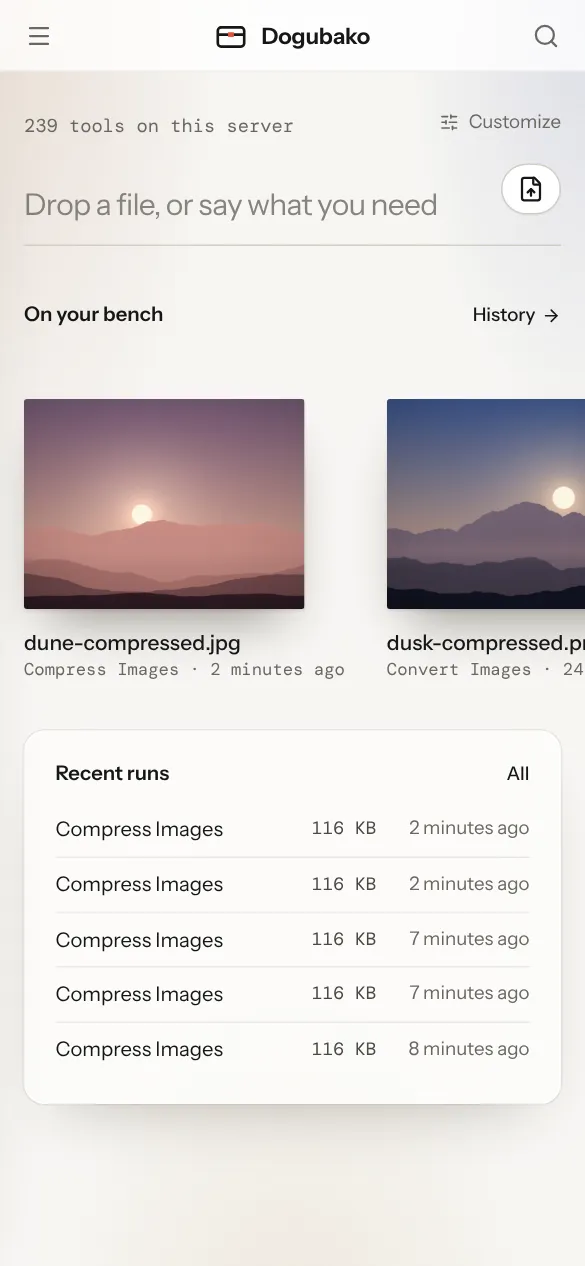
The Dogubako app is one codebase that runs in three places: the desktop app, a browser pointed at your own server, and phone browsers. The screens are the same everywhere; the few differences are listed in Desktop app and Self-hosting.
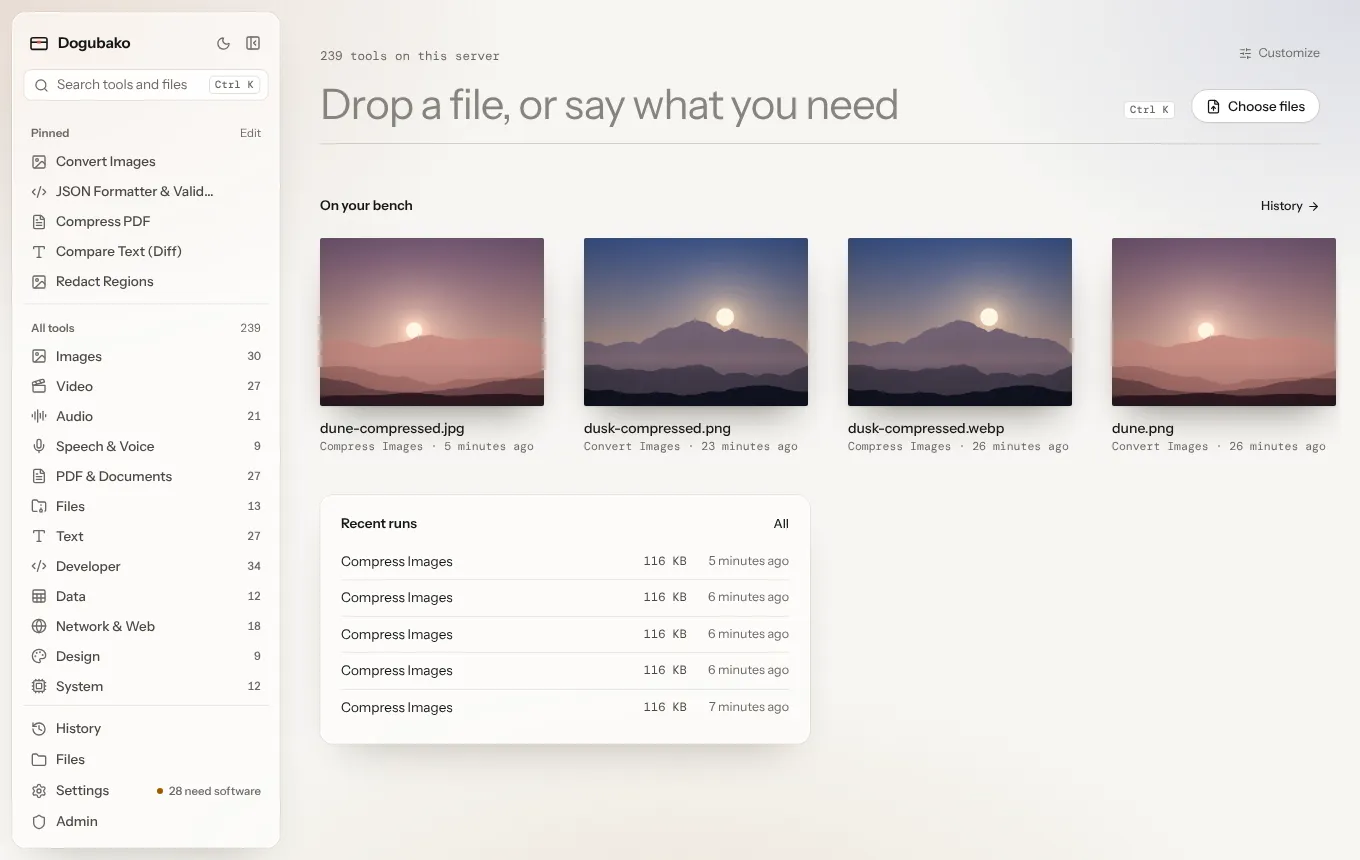
The design idea is simple: files are things on a bench. You put a file down, say what should happen to it, and pick up the result. Minimal where it can be, but never at the cost of a feature.
The screens
Section titled “The screens”| Screen | What it is for | Details |
|---|---|---|
| Home | Start anything: type, drop or choose files, pick up recent work | Home and the bench |
| Drop screen | “What should happen to it?” after you drop or choose files | Opening files |
| Tool page | Settings, the original and the result side by side | The tool page |
| Results | Previews, tables, diffs, downloads and next steps | Results |
| History | Every run on this device or account, with its settings | Results |
| Settings | Theme, density, behavior, dependencies, models | Customize, Engines and models |
| Files (server) | Your uploads and outputs, with storage use | Results |
| Account (server) | Password and your own API tokens | Accounts and agents |
| Admin (server) | Users and agents, tokens, audit log, instance, API | Accounts and agents |
Finding a tool
Section titled “Finding a tool”There are four ways in, so use whichever is closest:
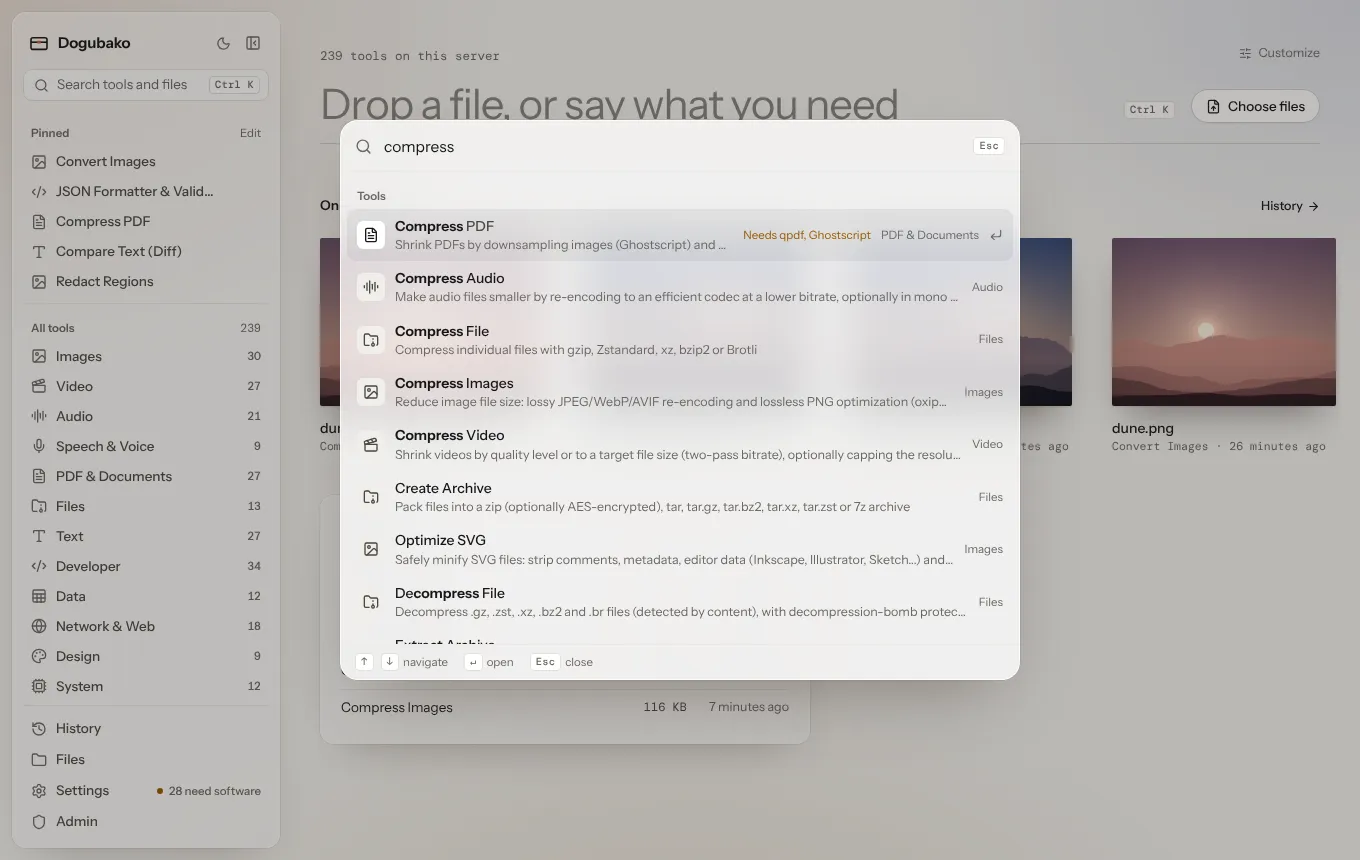
- Search. Press ⌘ K (Ctrl K on Windows and Linux) or / and type. Search understands tool names, descriptions, keywords and ids.
- Tools menu. Press T to open the Tools menu, browse by category, and pin the tools you use most.
- Drop a file. Drop it anywhere and Dogubako suggests the tools that take it, likeliest first.
- Pinned tools. Pinned tools open with Alt 1 to Alt 9, and can sit on Home as quick buttons.
The sidebar is optional
Section titled “The sidebar is optional”The sidebar lists your pinned tools and every category. Hide it with ⌘ \ (Ctrl \). When it is hidden, a compact bar keeps Tools, Search and History within reach. You can also move the sidebar to the right, or hide it for good, in Customize home.
Light, dark and phones
Section titled “Light, dark and phones”The app follows your system theme, or you can pick one. Frosted glass is used only on floating surfaces such as menus and panels, and falls back to solid paper when blur isn’t available or you’ve asked your system for less transparency.
On a phone, the sidebar becomes a drawer behind the menu button, and every tool works with touch.